As a security feature, Zoom allows hosts to specify that all participants must be authorized. At AU, this means all participants must be signed in with the zoom account given to them by the university. This is done by logging into Okta. If you are attempting to join a zoom meeting and see the following message, please follow this guide.
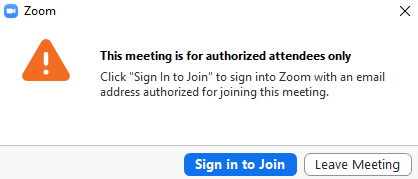
- Click "Sign in to Join"
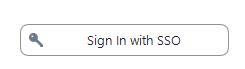
- Select "Sign in with SSO" on the right
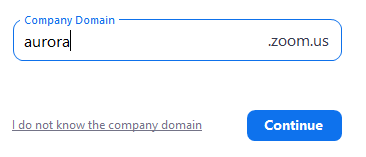
- For the company domain, enter "aurora" and click "Continue"
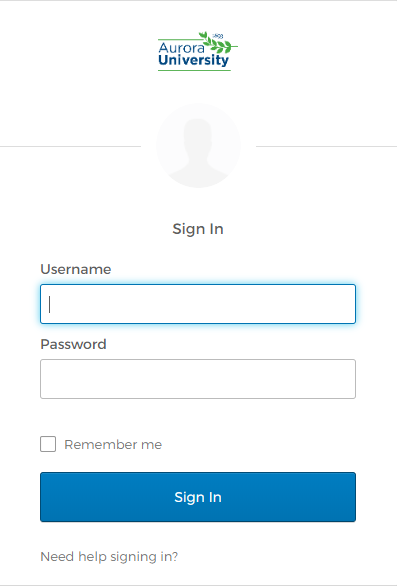
- You will be redirected to Okta. From here, sign in using your AU credentials
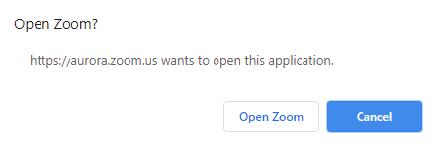
- After logging in, select "Open Zoom"
- You will be redirected to your meeting